

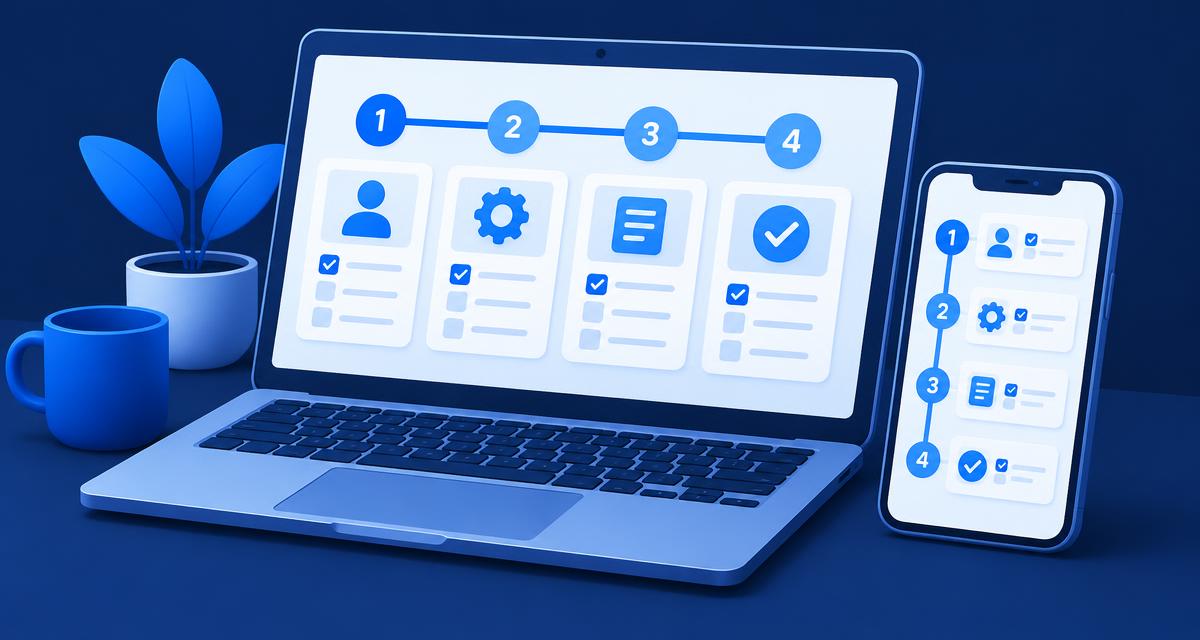
To buy load in GCash, open Load in the app, choose the load category and brand, enter the mobile number, pick a promo or a regular amount and confirm the payment. GCash issues a receipt once the payment goes through, and the load or promo should arrive on the number you entered.
This guide walks through the steps, the types of load you can buy, how to avoid the most common mistakes and what to do if something goes wrong.
How to buy load in GCash, step by step
- Open the GCash app and tap Load.
- Choose the category and brand. GCash covers mobile load, broadband load and other non-telco load.
- Enter the mobile number you want to load. Double-check every digit.
- Select a promo or a regular amount. Promos usually bundle data, calls or texts for a set number of days; regular load adds credit to the prepaid balance.
- Review the details, including the number, the product and the amount.
- Confirm the payment. GCash shows a receipt once the purchase is complete.
Keep the receipt or its reference number until the load shows up on the phone.
Regular load vs promos
| Regular load | Promo | |
|---|---|---|
| What you get | Credit on the prepaid balance | A bundle of data, calls or texts |
| Validity | Depends on the network's rules | A fixed number of days |
| Best for | Occasional calls and texts | Regular data use |
| Common mistake | Buying credit when you needed data | Choosing a promo that does not match the SIM |
Before buying a promo, check that it is available for that SIM and that the validity suits how you use your phone. If you are unsure, the network's own app or website lists what each promo includes.
Loading another person's number
The process is the same: you simply enter their number in step 3. The most common problem is a typo. If you send load to the wrong number, it is very hard to get it back, so read the number back before you confirm, especially when loading for family members.
What about gaming credits?
According to the GCash Help Center, gaming vouchers are currently not available in the app's load section. If you want to top up a game, you buy credits inside the game itself and pay with GCash Online Payments, if the game supports it.
If your load does not arrive
- Wait a few minutes. Some purchases take a moment to reach the network.
- Check the receipt in your transaction history: is the number correct, and does the status show the purchase as complete?
- Check the balance or promo status on the phone itself, using the network's usual balance inquiry.
- Report it in the GCash Help Center if it still has not arrived. Have the reference number, the date, the amount and the mobile number ready.
Use only the official Help Center in the app or at help.gcash.com. Nobody from GCash will ask for your OTP, MPIN or password, so anyone who does is a scammer.
Common mistakes when buying load
- Wrong number. The most frequent problem, and the hardest to fix. Read the number back before paying.
- Wrong network or product. A promo meant for one network or SIM type will not work on another.
- Paying twice. If the screen hangs, check your transaction history before trying again; a second purchase may go through.
- Ignoring the receipt. Without the reference number, a complaint takes much longer to resolve.
- Buying from strangers. "Discounted load" offers on social media that ask for payment first are a common scam.
Tips to save money on load
- Match the promo to your usage. Paying for unlimited calls you never make is a common waste.
- Watch the validity. A cheaper promo with a short validity can cost more over a month than a longer one.
- Avoid unofficial resellers who ask you to send money first and promise load later.
- Keep some balance in your wallet for emergencies, so you are not stuck without load when you need it.
- Check your data usage in the network's app before renewing a promo: many people pay for more data than they actually use.
- Set a reminder for when a promo expires, so you can decide whether to renew instead of falling back on regular load rates without noticing.
Load, e-wallets and prediction markets
GCash is a payments app, and buying load is one of its simplest uses. Funding a prediction market works very differently: on Polymarket, deposits are crypto sent to your deposit address on a supported network, not a transfer from an e-wallet. If you are curious, read how to deposit on Polymarket, what a stablecoin is and how USDC works. Availability in the country is covered on Philippines. For the basics of how GCash cash-ins and withdrawals work, see our guide to GCash cash in and cash out.
Next step
Want to try it yourself? Follow our guide on how to sign up for Polymarket, then see how to deposit and how to place your first trade. Start small and only use money you can afford to lose. Check where Polymarket is available before you begin.